Let's build a HTML email
Developing HTML emails can be tricky at the best of times. You spend all that time creating pixel perfect HTML and CSS which looks great in your browser. Then the time comes to send the email, and it's almost unrecognizable 😭
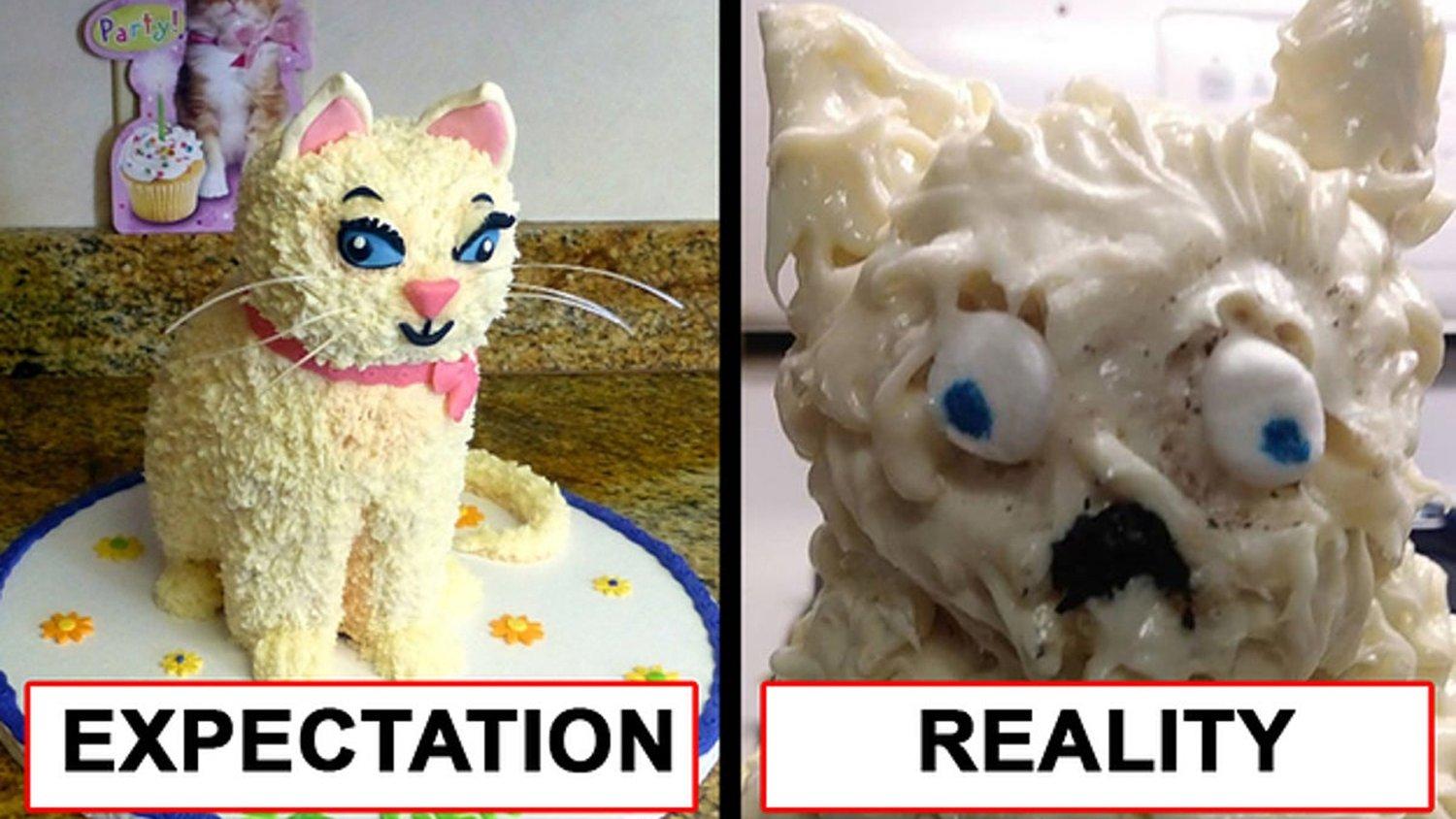
We've all been there! Here's some tips I've learnt along the way to make sure your HTML emails have a consistent look and feel.
✅Tips
Keep CSS Inline
- Many email clients will strip out <style> blocks.
Use Inline Images with Absolute URLs
- Make sure your images are hosted online and use absolute URLs (no relative paths)
- Add descriptive alt text for each image to improve accessibility
This also ensures that users can understand the content if images are blocked by their email client by default
Avoid Background Images
- Some email clients (I'm looking at you Outlook) don’t support background images. Use solid background colors or an <img> element instead.
Avoid JavaScript, Forms, and External CSS
- JavaScript is stripped out in most email clients
- Forms may not work properly in some clients (Gmail, Outlook)
- External CSS may be ignored by some email services
Use Tables for Layout
- Avoid using div elements for layouts; instead, use <table> elements with inline styles
- Set table width to 100% for responsiveness and nest tables for structure
- Use <tr> and <td> for structuring content instead of relying on CSS flex/grid
Set a Fixed Width (600px)
- Many email clients don't handle fluid layouts well, so keep your email width within 600px for best compatibility.
Make It Mobile-Friendly (Responsive)
- Use fluid tables (width: 100%).
🧪Testing
- VMail - check the markup (HTML, CSS) of you HTML email template
- Install the Send HTML in Gmail Chrome extension to test HTML emails with Gmail
✨ Example
I've built a simple little HTML Email you can copy the HTML from and paste into your email client to make your own